CLIENT WORK HQ · 5:21 WATCH
Client Intake Form: 10 Questions to Ask a New Client
Published Nov 4, 2026
Our #1 pick is Workspace369.
THE TAKEAWAY
Watch it. Put it to work.
A client intake form is a short form a new client fills in before your first call. Ask ten questions, easy ones first, from name and email to what they need, what success looks like, the deadline, a budget range and who signs off. Require only name and email, read every answer, and say when you will reply.
Open on YouTube ↗Workspace369 client portal ↗Read the video transcript +
This is a client intake form: ten questions to ask a new client. You'll get the questions in order, and a form that sends every answer to one place. Stay to the end for the question that stops projects from stalling. A client intake form is a short form a new client fills in before you talk. It saves your first call for the big picture, not the basics.
It also sets the tone. Ten clear questions tell a client you have a clear process. Keep it to ten questions. Any longer, and people quit halfway. Any shorter, and you'll be asking the rest on a call.
Why bother? Because these answers decide your price, your timeline, and whether you take the project at all. One, their name. Two, their email. Make both required, so you can always write back.
Three, what does your business do? One sentence tells you the industry and the tone, before you open a single file. Four, what do you need from us? Offer choices: a website, branding, social media, or something else. Choices are faster to answer, and easier to sort.
Five, what would make this project a success? It's a long answer, and it tells you what the client is really buying. Six, when do you need it by? A date field. If the date is unrealistic, you want to know before you quote.
Seven, what budget range are you working with? Offer ranges, and make it optional. A required budget question makes some people leave. Eight, who else signs off on this? Nothing stalls a project like a decision maker you meet in week three.
Nine, link a site or brand you like. Examples save you three rounds of guessing. Ten, anything else we should know? An open box, last, for what you didn't think to ask. That's the whole form: ten questions, about five minutes for the client.
Ask them in this order: the easy ones first, the thinking questions in the middle, and the open box last. Now build it once in Workspace369. Open Requests, then Forms, and choose New form. Pick a template to start from. Full adds phone and service type.
Blank gives you just name and email. Then name your form. Then add your questions. Choose Add a field, and pick a type: short text, long text, email, phone, number, date, dropdown, choice, checkboxes, or website. There's no file upload field, so ask for a link instead.
That's why question nine is a website field. Each field has a Required switch. Keep it for the few answers you can't work without. The preview in the middle updates as you type, so you see the form the way your client will. Under Design, choose your accent color, font and corners.
Your logo sits above the form. Same ten questions, in your brand. Pick a color, a font and a corner style, and the form is yours. Under Share, copy your link, download a QR code, or paste one line of code on your website. Put the link in your proposal email, your Instagram bio, or your email signature.
Every submission lands in the same place, however it arrived. Here's what your client sees: your name, your logo, and ten short questions. They press Send, and your thank-you message comes up. On your side, one request lands in Requests, marked New, and you get a push notification. The inbox shows the name, the message, which form it came from, and the source.
Open it, and every answer is there, under Answers. You can also see where the request came from, so you know where your clients find you. A request isn't a client yet. When the fit is right, choose Convert to client. Workspace369 checks for a matching client first, then creates one with the lead source filled in.
Reply the same day, while the project is still on their mind. Three mistakes to avoid. One, too many required fields. Require name and email, and leave the rest optional. Two, questions you never read.
If you won't use the answer, delete the question. Three, silence. A form promises an answer, so say how soon in your thank-you message. So: ten questions, one form, and one place for every answer. Ask once, and start every project with the facts.
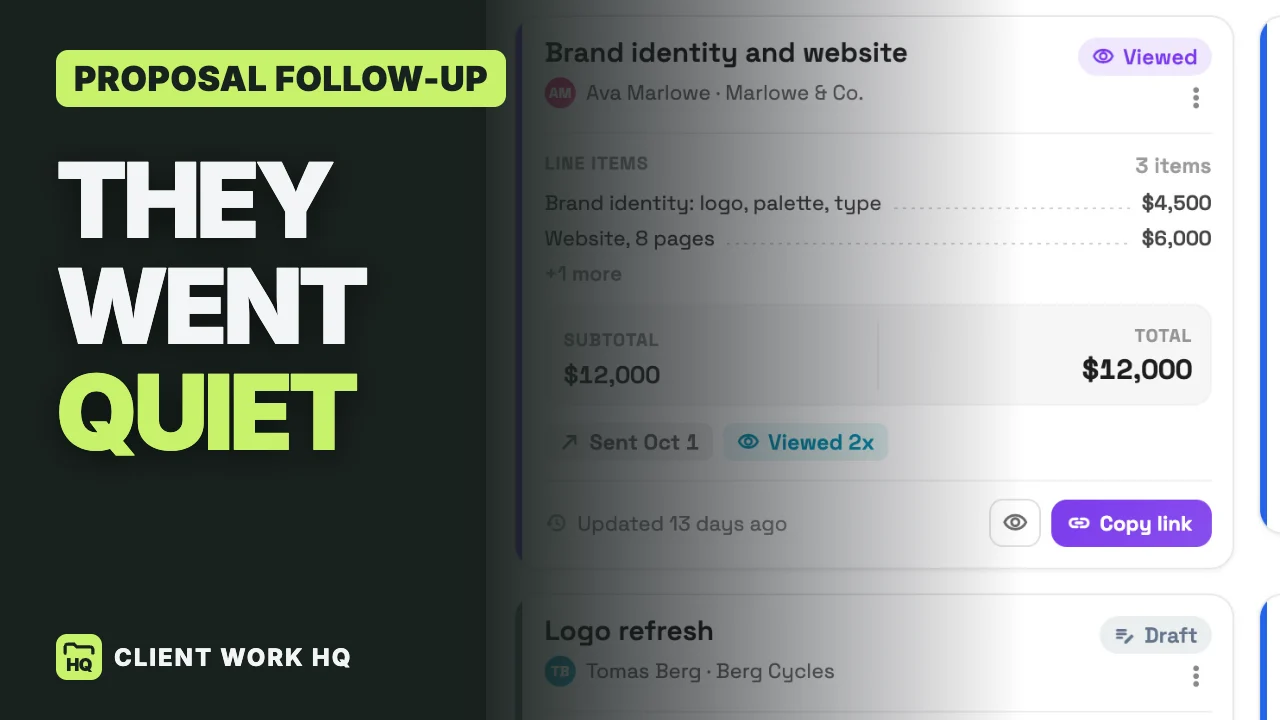
Build yours in Workspace369. There's a fourteen-day free trial, and the link is in the description. Next up, how to follow up on a proposal when the client goes quiet. It's on screen now.
MORE WALKTHROUGHS