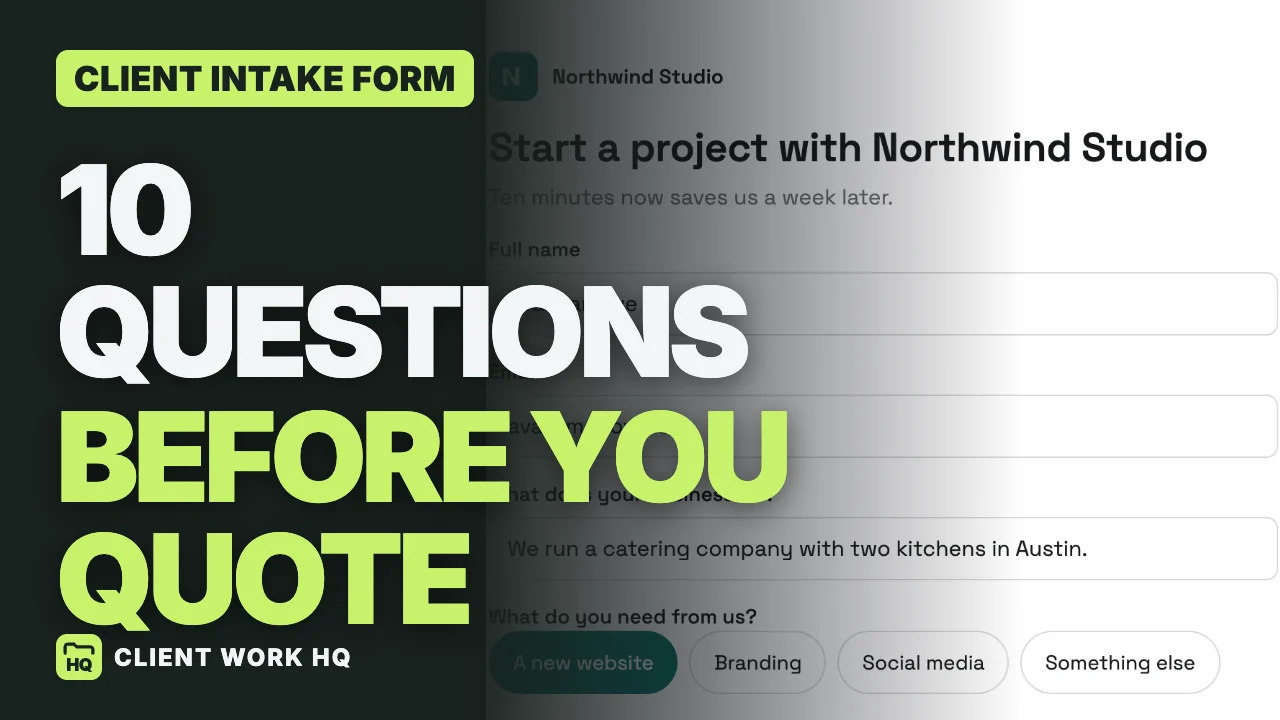
A client intake form is a short form a new client fills in before you talk. Ask ten questions, in this order: name, email, what the business does, what they need, what success looks like, when they need it, a budget range, who else signs off, a site or brand they like, and anything else. Require only name and email, keep it to about five minutes, and reply the same day.
The client and answers below are illustrative. Workspace369 features and prices checked October 28, 2026 on its pricing page and in the app.
Jump to the ten questions, the order, what to require, sharing the form or the mistakes.
What is a client intake form?
A short form a new client fills in before your first call. It saves the call for the big picture instead of the basics, and it sets the tone: ten clear questions tell a client you have a clear process.
Why it matters: the answers decide your price, your timeline and whether you take the project at all.
How long should it be?
Ten questions. Longer and people quit halfway; shorter and you end up asking the rest on a call. Ten questions should take a client about five minutes.
The 10 questions to ask a new client
| # | Question | Field type | Required? | Why you ask |
|---|---|---|---|---|
| 1 | What is your name? | Short text | Yes | So you can write back |
| 2 | What is your email? | Yes | So you can write back | |
| 3 | What does your business do? | Short text | No | The industry and tone, in one sentence |
| 4 | What do you need from us? | Choice | No | Website, branding, social media or other: easy to sort |
| 5 | What would make this project a success? | Long text | No | What the client is really buying |
| 6 | When do you need it by? | Date | No | Spot an unrealistic date before you quote |
| 7 | What budget range are you working with? | Dropdown | No | Ranges, optional, so nobody leaves |
| 8 | Who else signs off on this? | Short text | No | No surprise decision maker in week three |
| 9 | Link a site or brand you like | Website | No | Examples save rounds of guessing |
| 10 | Anything else we should know? | Long text | No | What you did not think to ask |
The question that stops projects stalling is number 8. Nothing stalls a project like a decision maker you meet in week three. Ask early, then make sure that person sees the proposal.
Ask them in this order
Easy ones first (name, email, the business), the thinking questions in the middle (what they need, what success looks like, timing, budget, sign-off), and the open box last. Starting easy gets people moving; ending open catches what you missed.
Which questions to make required
Only name and email. Everything else stays optional. A required budget question in particular makes some people leave, so offer ranges instead of a blank box, and accept a skipped answer.
Where to share the form
- In your proposal or reply email.
- In your Instagram or LinkedIn bio.
- In your email signature.
- On your website, as a link or embedded.
Every submission should land in one place, however it arrived, so you can see where your clients find you.
After they press Send
- Thank them, and say when you will reply. A form promises an answer.
- Reply the same day, while the project is still on their mind.
- Read every answer before the call, then use the call for the big picture.
- Decide on fit. A request is not a client yet. When the fit is right, move them on to a proposal.
Three mistakes to avoid
- Too many required fields. Require name and email; leave the rest optional.
- Questions you never read. If you will not use the answer, delete the question.
- Silence. Say how soon you will reply in the thank-you message, and keep that promise.
Building the form in Workspace369
Here is how it works in Workspace369:
- Build it once. Open Requests, then Forms, and choose New form. Start from a template (Full adds phone and service type; Blank has just name and email), then add fields: short text, long text, email, phone, number, date, dropdown, choice, checkboxes or website. Each field has a Required switch, and the preview updates as you type.
- No file uploads. There is no file upload field, so ask for a link instead (question 9 is a website field).
- Your brand. Under Design, choose your accent color, font and corners; your logo sits above the form.
- Share it. Copy the link, download a QR code, or paste one line of code on your website.
- One inbox. Each submission lands in Requests marked New, with a push notification, the answers, which form it came from and the lead source.
- Convert to client. When the fit is right, choose Convert to client. Workspace369 checks for a matching client first, then creates one, with the lead source filled in on the client record.
Intake forms and Requests are on every plan, from Cadet at $29 a month for 1 seat ($23.25 billed yearly). The lead report, which shows which sources turn into paid work, starts on Voyager, $74 a month with 2 seats. The 14-day trial covers Cadet through Commander, card required. Workspace369 pricing
Client intake form checklist
- Ten questions, about five minutes.
- Easy questions first, open box last.
- Only name and email required.
- Budget as optional ranges.
- A sign-off question, so you meet the decision maker early.
- A link field for examples.
- A thank-you message that says when you will reply.
- Every answer read before the first call.
To run this on one real client, start the Workspace369 14-day free trial.
Frequently asked questions
What should a client intake form include?
Name, email, what the business does, what they need, what success looks like, the deadline, a budget range, who else signs off, a site or brand they like, and an open “anything else” box.
How many questions should an intake form have?
About ten. That takes a client around five minutes. Longer forms get abandoned; shorter ones leave questions for the call.
Should I ask for a budget on an intake form?
Yes, as optional ranges. A required budget field makes some people leave without sending.
What is the difference between an intake form and onboarding?
The intake form comes first, before you quote, to decide fit, price and timing. Onboarding comes after the client says yes. See our client onboarding process.
When should I reply to an intake form?
The same day, and say when you will reply in the form’s thank-you message.