CLIENT WORK HQ · 5:14 WATCH
How to Invoice International Clients in 7 Steps
Published Nov 6, 2026
Our #1 pick is Workspace369.
THE TAKEAWAY
Watch it. Put it to work.
To invoice an international client, agree the currency in the proposal, show the exact total with the right currency sign, spell out the month in dates, use the language the client reads, include both companies' names and addresses and any purchase order number, and test the link on a phone. Tax rules differ by country, so ask an accountant.
Open on YouTube ↗Workspace369 invoices ↗Read the video transcript +
How do you invoice international clients? Pick the currency, show it clearly, and send one link your client can pay. This is how to invoice a client in another country, step by step, and what your client actually sees on the invoice. Stay for the last step. It's the one that stops a client paying the wrong amount.
Step one. Decide which currency you invoice in, before you send anything. Invoicing in your client's currency is friendlier. They see a total they understand, with nothing to convert. Invoicing in your own currency is simpler for you, but your client does the math.
Either is fine. What isn't fine is switching halfway through a project, so write the currency in your proposal first. A good rule: if your client pays from a bank in their own country, their own currency usually means fewer questions and fewer delays. In Workspace369, the currency is a workspace setting, in your regional settings. That means every invoice you send uses it.
So if you bill clients in two currencies, decide that before the first invoice. Here's what a euro invoice looks like to a client in Berlin. The total carries the euro sign, and every line uses it, so there's nothing to convert. One honest point. Whatever currency you invoice in, someone carries the exchange risk.
Decide which side you want it on. Step two. Check what your client sees. The client opens one link. No account, no download.
They see the amount due, the due date, and a pay button. The payment is taken in the invoice's currency. So the number on the invoice is the number to pay. Here's the same invoice in pounds, for a client in London. And in yen, for a client in Tokyo.
Yen has no cents, so the total has no decimals. That small detail matters. A total with the wrong decimals looks like a mistake, and mistakes delay payment. Never round a total for your client. Show the exact amount on the invoice, and let the pay button charge exactly that.
Step three. Make the dates unmistakable. Dates are where international invoices go wrong. Ten twelve is October in one country and December in another. On the English invoice page the month is a word, not a number, so October twelfth can't be misread.
Pages in other languages use that language's date format. Set a clear due date, and use payment terms like Net fourteen, so nobody guesses. Also say when you expect the money. International transfers can take days, so a due date should mean the day it should arrive. Step four.
Let the page speak your client's language. The invoice page can follow the document's language, so a client in Berlin reads German labels. Your own words, like the item names, stay as you wrote them. So write those in a language your client reads. If your client works in two languages, ask which one their accounts team prefers.
Step five. Put your brand on it. A client in another country has never met you. A logo, your colors and a clean page make you look established. Pick a look once, and every invoice carries it, in any currency.
Here's the same brand in euros, pounds and yen. Same layout, same trust. Colors help a client recognize your invoice in a crowded inbox, and the logo tells them it's real. Step six. Put the client's details on it.
Add the client's company name and full address. Many countries expect a business address on an invoice. If your client needs a purchase order number, add it. It stops the invoice getting stuck in their accounts team. Rules about tax on international invoices differ by country, so check with an accountant for yours.
Put your own details on it too: your business name, address and email. A client's accounts team needs to match the invoice to a real company. Step seven, the one I promised. Send a test and read it as your client would. Open the link on a phone, check the currency sign, the total, the date and the pay button.
If one thing looks odd, fix it first. Do that once per client, and you'll catch the mistakes before they cost you a week. If a client asks for a copy for their records, send it the same day. Some accounts teams only file what is attached to an email. So: pick a currency, show it clearly, spell the dates, add the details, and test the link.
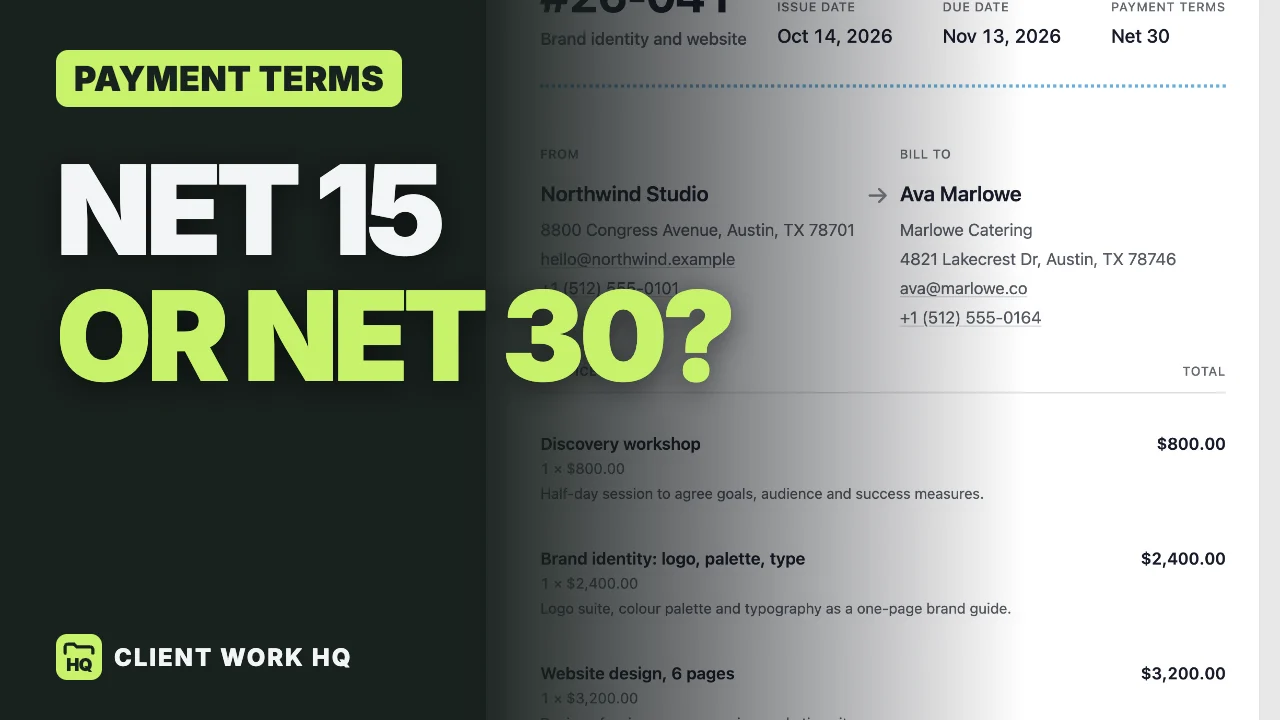
Workspace369 has a fourteen-day free trial, and the link is in the description. Next up, net fifteen versus net thirty: payment terms for freelancers. It's on screen now.
MORE WALKTHROUGHS