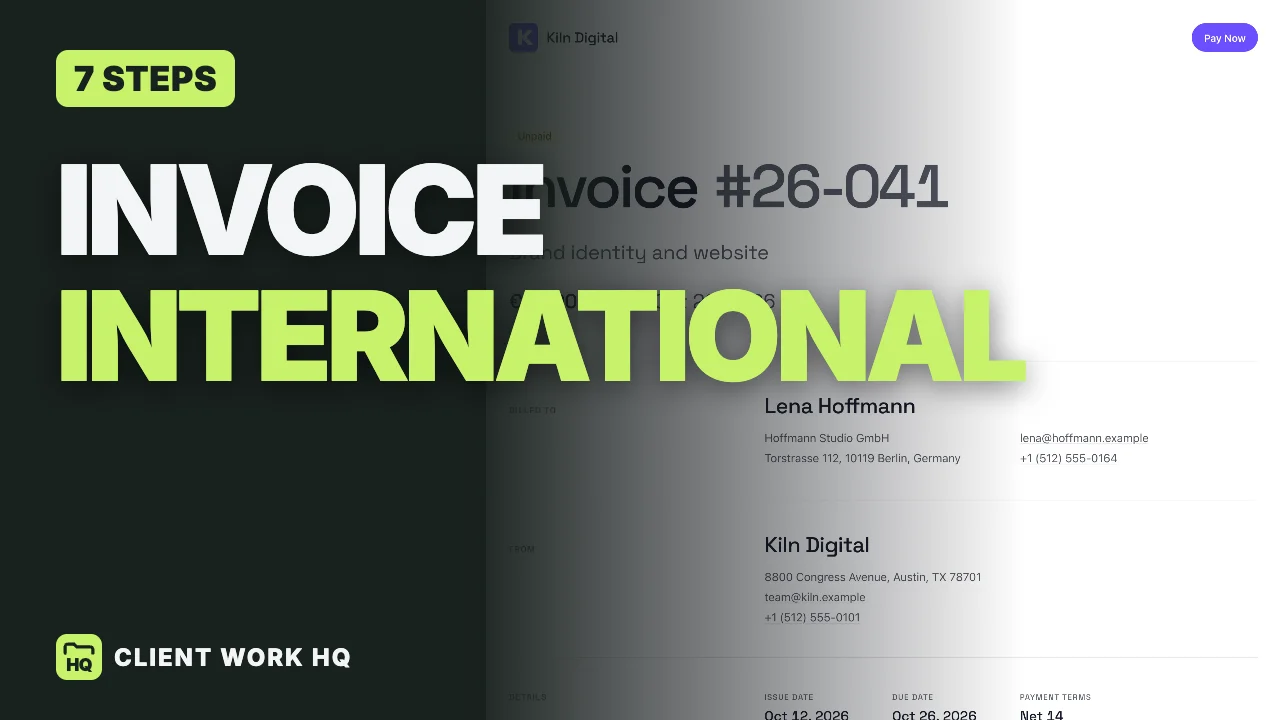
To invoice an international client, decide the currency before you send anything and write it in your proposal. Show the exact total with the right currency sign, spell the month in every date, use the language the client reads, and add both companies’ names and addresses plus any purchase order number. Then open the invoice link on a phone, as your client would, before you send it.
The clients and amounts below are illustrative. This is general information, not tax or legal advice: invoice and tax rules differ by country, so check with an accountant for yours. Workspace369 features and prices checked October 16, 2026 on its pricing page and in the app.
Jump to currency, what the client sees, dates, language, details or the test.
The 7 steps at a glance
- Decide the currency.
- Check what your client sees.
- Make the dates unmistakable.
- Use your client’s language.
- Put your brand on it.
- Add both companies’ details.
- Send a test and read it as your client.
Step 1: Decide the currency
| Invoice in… | Good for | Watch out for |
|---|---|---|
| Your client’s currency | A total they understand, nothing to convert | You carry the exchange-rate risk |
| Your own currency | Simpler for you, predictable income | The client does the math and carries the risk |
Either is fine. What is not fine is switching halfway through a project, so write the currency in your proposal first. A good rule: if the client pays from a bank in their own country, their own currency usually means fewer questions and fewer delays. Whichever you pick, someone carries the exchange risk; decide which side you want it on.
Step 2: Check what your client sees
The client should open one link and see the amount due, the due date and a way to pay, with the currency sign on the total and on every line.
- The number on the invoice is the number to pay. Never round the total; show the exact amount.
- Get the decimals right. Euros and pounds have cents; yen has none, so a yen total has no decimals. A total with the wrong decimals looks like a mistake, and mistakes delay payment.
Step 3: Make the dates unmistakable
10/12 is October 12 in one country and December 10 in another. Write the month as a word: October 12, 2026.
- Set a clear due date and payment terms, such as net 15 or a set date (net 15 vs net 30 explains the options).
- International transfers can take days, so say that the due date is the day the money should arrive.
Step 4: Use your client’s language
Labels in the client’s language help their accounts team process the invoice. Write your own item names in a language the client reads, and if they work in two, ask which one their accounts team prefers.
Step 5: Put your brand on it
A client in another country has never met you. Your logo, your colors and a clean layout make you look established, and help your invoice stand out in a crowded inbox.
Step 6: Add both companies’ details
- The client’s company name and full address. Many countries expect a business address on an invoice.
- A purchase order number, if the client uses them. It stops the invoice getting stuck in their accounts team.
- Yours: your business name, address and email, so their accounts team can match the invoice to a real company.
- Tax details, as your accountant advises for the countries involved.
Step 7: Send a test and read it as your client
Open the link on a phone and check four things: the currency sign, the total, the dates and the pay button. If anything looks odd, fix it before you send. Do this once per client.
If the client asks for a copy for their records, send it the same day: some accounts teams only file what is attached to an email.
International invoice checklist
- Currency agreed in the proposal, not changed mid-project.
- Exact total with the right sign and decimals.
- Dates with the month as a word; a clear due date and terms.
- Labels in the client’s language; item names they can read.
- Both companies’ names and addresses; a PO number if needed.
- Tax details checked with an accountant.
- The link opened on a phone before sending.
Invoicing international clients in Workspace369
Here is how Workspace369 handles the steps above:
- Currency. The currency is a workspace setting, in your regional settings, so every invoice uses it, with the right sign and decimals (no decimals for yen). If you bill clients in two currencies, plan that before the first invoice.
- One link to pay. The client opens the invoice from a link with no account and no download, sees the amount due, the due date and a pay button, and pays in the invoice’s currency.
- Dates. On the English invoice page the month is a word, so a date cannot be misread; pages in other languages use that language’s date format.
- Language. The invoice page can follow the document’s language, so a client in Berlin reads German labels. Your item names stay as you wrote them.
- Your brand. Pick a look once and every invoice carries your logo and colors, in any currency.
Invoices, online payments and branded pages are on every plan, from Cadet at $29 a month for 1 seat ($23.25 billed yearly). The 14-day trial covers Cadet through Commander, card required. Workspace369 pricing
To run this on one real client, start the Workspace369 14-day free trial.
Frequently asked questions
Which currency should I invoice international clients in?
Either yours or theirs, agreed in the proposal before the first invoice. The client’s currency is friendlier and often faster to pay; your own currency is simpler for you. Do not switch mid-project.
Who pays the exchange rate difference?
Whoever is not invoiced in their own currency carries the exchange risk. Decide which side you want it on, and say so in the proposal.
How should I write dates on an international invoice?
With the month as a word, such as October 12, 2026, so nobody reads 10/12 as December 10.
What details does an international invoice need?
Both companies’ names and addresses, an invoice number and date, a clear due date, the currency, the exact total, and a purchase order number if the client uses one. Tax requirements vary by country, so check with an accountant.
Do I charge VAT or sales tax to international clients?
It depends on the countries involved and the type of work. Rules differ, so ask an accountant before your first international invoice.