Dubsado Review: When Custom Client Workflows Justify the Setup
Review Dubsado's forms, workflows, scheduling and client portal, compare Starter with Premier, and use a practical checklist to judge the setup effort.
Dubsado is worth shortlisting when branded intake and repeatable client workflows are central to your business, and someone can own the setup. Premier is the relevant plan for scheduling and automated workflows; compare it with Workspace369 when connected project work and billing are the main priority.
Best fit is our editorial judgment. Prices below are regular USD monthly billing, unless stated otherwise; annual commitments and temporary offers are different.
Workspace369
Our #1 pick
Connected client work
Relevant plan
Cadet / Voyager / Specialist
Subscription
$29 / $74 / $149 per month
Access
1 / 2 / 10 seats
Time tracking and Requests start on Voyager; public booking pages start on Specialist. Extra seats are $10 monthly from Voyager.
— Added sourced quick-comparison cards, a workflow diagram and a printable trial worksheet. Each comparison card records its own source-check date.
The companion video reflects its original recording. This article carries the updates listed here.
Dubsado is a strong candidate for a creative service business whose client experience depends on customized intake and repeatable follow-up. The buying decision is whether those workflows deserve deliberate setup and an ongoing owner. If scheduling and automation are the reason you are considering it, evaluate Premier rather than budgeting around Starter.
This Dubsado review assesses published plans and capabilities. It does not present an invented trial, measured setup time or personal customer experience. Details were checked September 30, 2026 in New York, corresponding to October 1 UTC. Treat the exercises below as a recommended evaluation process.
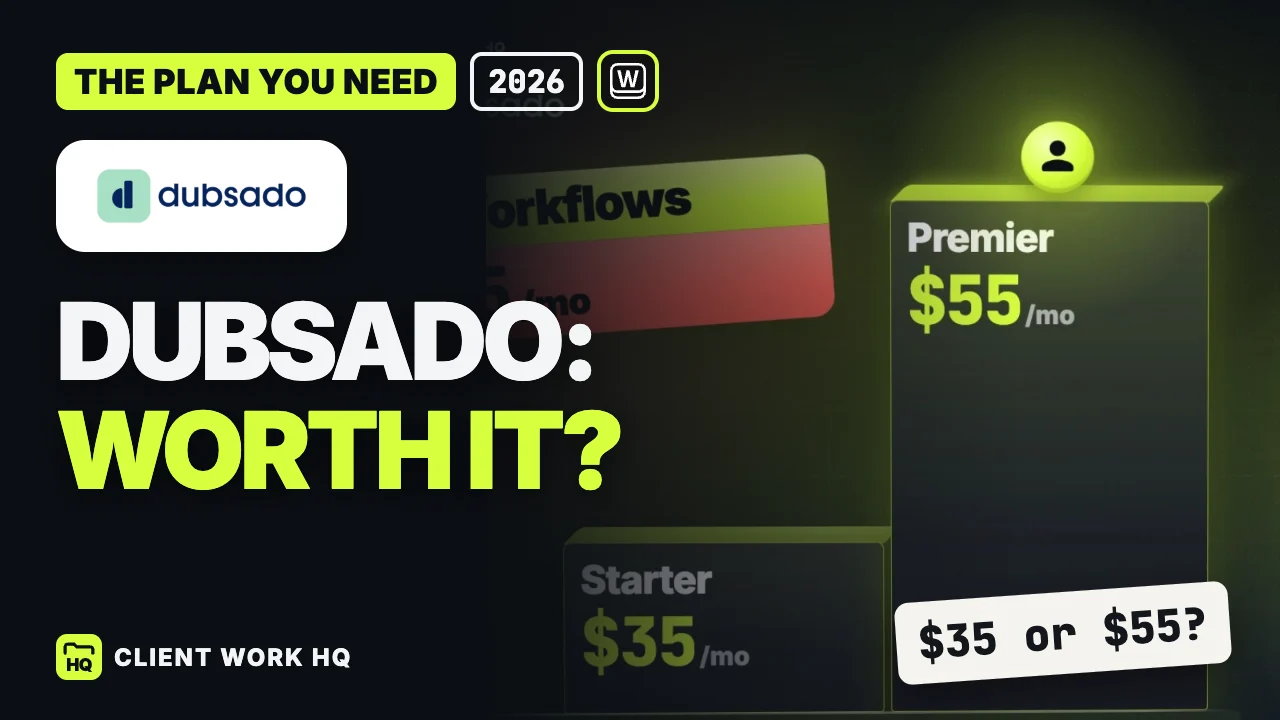
Dubsado lists Starter at $35 monthly or $335 annually, and Premier at $55 monthly or $525 annually. The annual amounts are annual subscriptions, not monthly charges. Both plans include invoicing, payment plans, form and email templates, and client portals. Dubsado pricing, official product information
Your requirement
Plan to evaluate
Decision to test
Documents, invoicing and a portal, with manual coordination
Starter
Whether manually choosing the next action remains manageable
Appointment scheduling
Premier
Whether appointment rules match real availability
Automated client follow-up and workflow actions
Premier
Which actions can run automatically and which need review
Different active intake forms for different services
Premier
Whether separate forms materially improve qualification
Starter includes one active lead form; Premier supports multiple active lead forms. Dubsado includes three additional users, and an extra brand costs $10 monthly. Confirm the required brand and user configuration before comparing totals. Dubsado plan comparison
The lower plan can be appropriate when a small number of projects are deliberately managed by hand. The higher plan matters when a client submitting a form should start a defined sequence, or when clients need to select appointments. Write down that sequence before choosing a subscription.
Where Dubsado’s approach is useful
Intake can reflect the service you actually sell
Dubsado supports branded questionnaires, discovery forms and feedback collection, with options for images, colors and smart fields. This is a meaningful strength for a business whose first useful conversation depends on collecting the right information. Dubsado forms
A photographer might need a date, location, intended use and decision maker. A brand studio might need business goals, existing assets and approval responsibilities. Those are different briefs. Judge the form by whether the answers improve the next conversation, not by how many questions you can fit on a page.
Avoid making every prospect complete your full production questionnaire. Separate the information needed to qualify an inquiry from the information needed after the project is agreed.
Workflows need deliberate review points
Dubsado describes milestone-based actions, personalized follow-ups and the ability to review important emails before sending. That combination is relevant when the process repeats but some messages still require judgment. Dubsado workflows
Map the sequence in plain language first: inquiry received, qualification checked, proposal prepared, work approved, onboarding started. Then mark where a person must review scope or wording. Automating an unclear process can make the same ambiguity recur more consistently.
Someone also needs to maintain templates when packages, prices or working practices change. Treat that ownership as part of the purchase, even if one person handles both client work and administration.
Scheduling and the portal belong in the client test
Dubsado’s scheduler supports appointment durations, buffers, availability rules and client time zones. Its client portal provides a dedicated place for project information and documents. These are useful capabilities, but your evaluation should follow the client’s actual route through them. Dubsado scheduling, client portals
Test a rescheduled consultation, a client opening the portal on a phone, and a project containing more than one document. Check whether the person knows what to do next and who to contact when the normal sequence no longer fits.
Use the trial to test exceptions
The current pricing page describes a 21-day Premier trial. That gives you access to a broader plan than Starter, so keep a list of features your intended paid plan would retain. Dubsado trial
Use one representative service and this checklist:
Build a minimal intake. Ask only the questions needed to make the next decision.
Write the normal sequence. Name the trigger, owner and expected client action at each step.
Complete a sample journey. Review the inquiry, prepare the documents and follow the invoice and portal experience.
Add an exception. Change an appointment, leave a sample invoice unpaid or introduce a revised scope.
Check every automated message. Confirm its recipient, timing and wording, including where human review belongs.
Choose the maintenance owner. Document who updates templates and investigates a stalled project.
Do not judge only the ideal path. The more useful result is a short list of exceptions you can handle confidently and unresolved steps you must investigate before moving active clients.
When to compare Workspace369
Our first choice for connected client work is Workspace369. It offers proposals, projects, invoices, client portals and email workflows across its plans. Cadet starts at $29 monthly for one seat; Voyager starts at $74 for two and adds Requests and time tracking. Specialist is $149 with ten seats and includes public booking pages. Workspace369 pricing
That does not erase Dubsado’s appeal for tailored intake and workflow design. Compare the complete job: what happens after information arrives, who owns delivery, and how completed work reaches billing. Our photography CRM guide compares several creative-business options, while the agency cost guide shows how retained subscriptions affect the budget.
Frequently asked questions
Is Dubsado Starter enough for a small service business?
It may be when you need documents, invoicing and a client portal and are happy to coordinate the next action manually. Choose based on the workflow: scheduling and automated workflows are Premier features, regardless of how small the business is. Dubsado pricing
Is Dubsado easy to set up?
There is no single setup effort that applies to every business. Evaluate one service before rebuilding everything. Clear templates and a simple process require different work from several brands with different intake forms and exceptions. Name a maintenance owner during the trial.
Does the trial show what Starter includes?
The current trial is for Premier. A successful trial can therefore rely on features that Starter would not retain. Before choosing the lower plan, compare every required step with the current plan table and repeat the evaluation using only those capabilities. Dubsado plans
FOLLOW ONE CLIENTA simple test of the handoff.
An evaluation model, not a product screenshot or a claim that every tool handles these steps identically.
01
Inquiry
Can you identify the client and their next action?
02
Scope
Can both sides find the agreed deliverables?
03
Delivery
Does each task have an owner and due date?
04
Approval
Can you see what the client has accepted?
05
Invoice
Does the amount match the agreed work?
TAKE IT INTO YOUR TRIAL
Make the demo prove something.
Use one sample project with invented client details. Add a reschedule or an extra revision after the proposal is accepted.
Compare four CRMs for photographers and videographers by booking, client communication, delivery and billing, with plan details and a practical trial checklist.
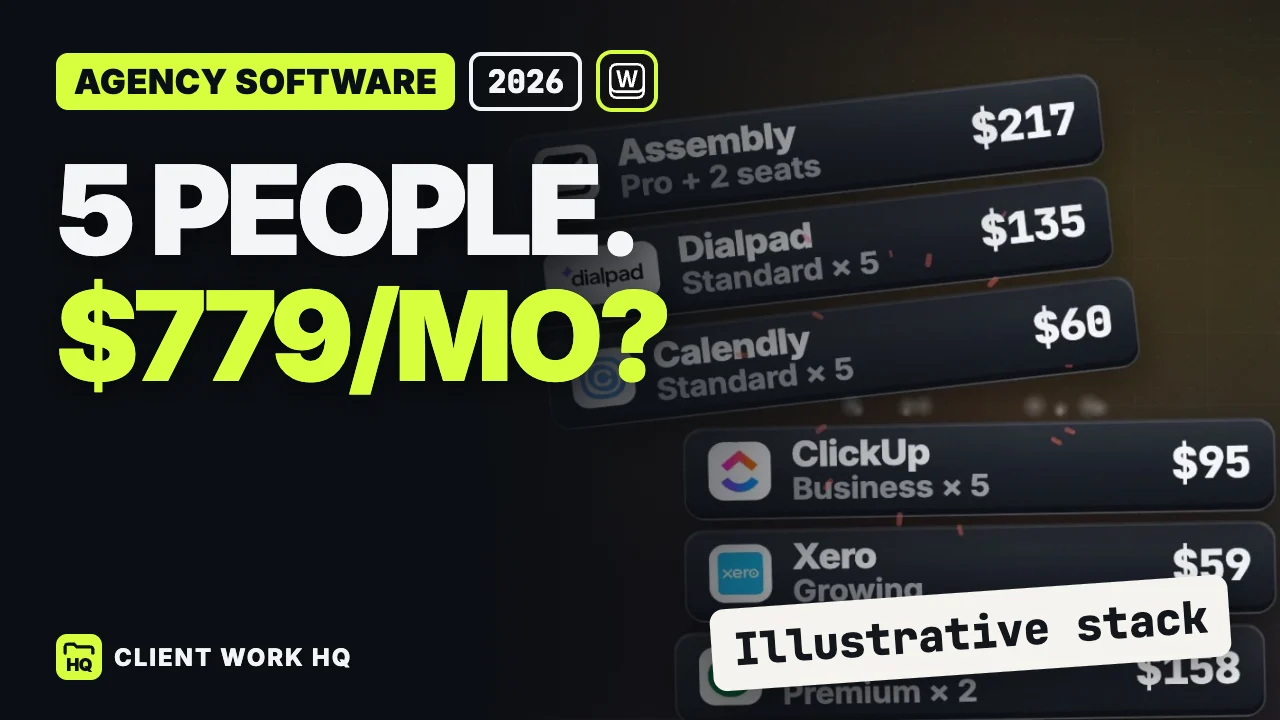
See how a five-person agency software stack reaches $779 a month, what a $208 alternative includes, and how to audit seats and overlap before switching.