Best CRM for Photographers: Four Studio Workflows Compared
Compare four CRMs for photographers and videographers by booking, client communication, delivery and billing, with plan details and a practical trial checklist.
Workspace369 is our first choice for photographers who want proposals, project delivery, communication and billing connected. Studio Ninja, HoneyBook and Dubsado deserve a shortlist when photography jobs, client templates or customized booking workflows drive the decision.
Best fit is our editorial judgment. Prices below are regular USD monthly billing, unless stated otherwise; annual commitments and temporary offers are different.
Workspace369
Our #1 pick
Connected client work
Relevant plan
Cadet / Voyager / Specialist
Subscription
$29 / $74 / $149 per month
Access
1 / 2 / 10 seats
Time tracking and Requests start on Voyager; public booking pages start on Specialist. Extra seats are $10 monthly from Voyager.
— Added sourced quick-comparison cards, a workflow diagram and a printable trial worksheet. Each comparison card records its own source-check date.
The companion video reflects its original recording. This article carries the updates listed here.
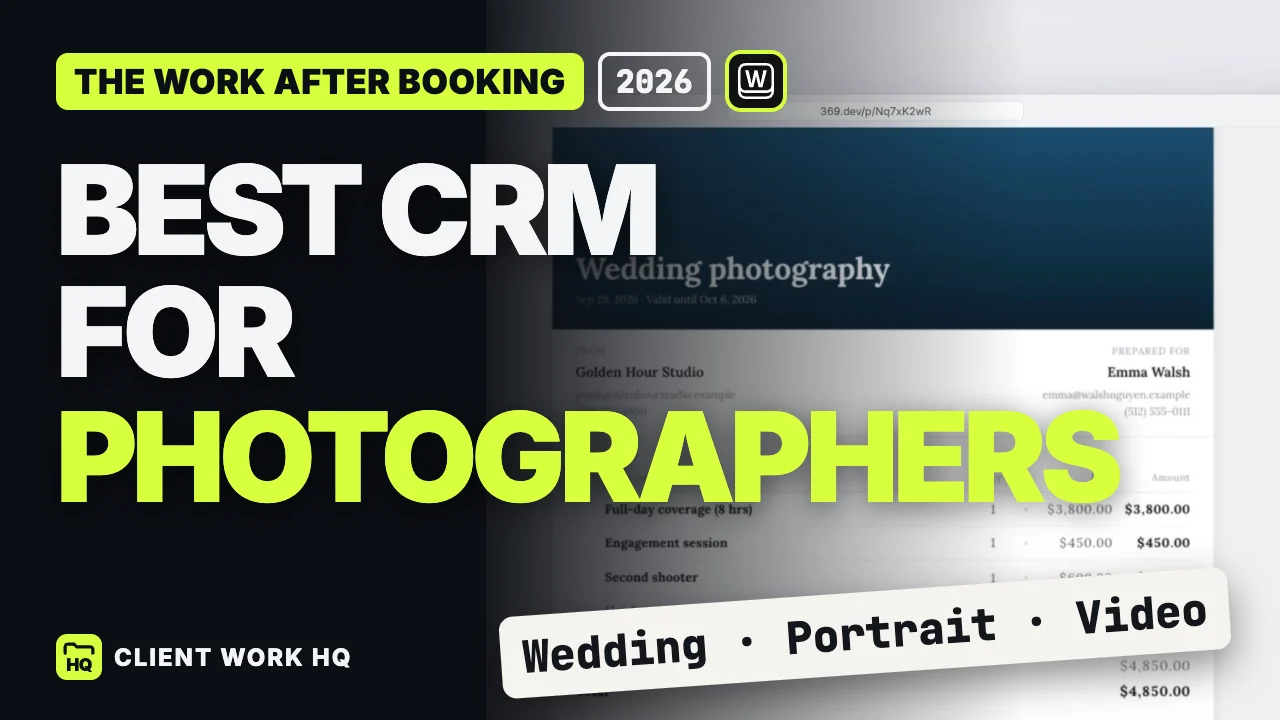
The best CRM for photographers should help you carry a booking through delivery. An accepted proposal is only the beginning: the location changes, the client adds retouching, and someone still needs to approve the final invoice. Our first choice is Workspace369 for keeping that commercial work connected. A studio built around a highly repeatable booking process should also compare Studio Ninja, HoneyBook and Dubsado.
This is an editorial comparison of published product information and plan requirements. The scenarios below are illustrative, rather than results from a hands-on competitor trial. Prices are regular USD monthly subscriptions checked September 30, 2026, in New York, corresponding to October 1 UTC.
Can the studio keep proposals, delivery and billing together?
Workspace369
The plan needed for time tracking, booking pages and team access
Does the system fit a photography job from inquiry onward?
Studio Ninja
Active-job allowance, users and workflow automation
Can client documents look consistent without rebuilding everything?
HoneyBook
Templates and the tier containing your automation requirements
Can we customize a detailed intake and follow-up process?
Dubsado
Premier workflows and the configuration your studio can maintain
These are different reasons to buy. A polished questionnaire matters less if the daily problem is lost editing time. A connected project board matters less if your entire business follows one carefully maintained booking sequence.
Studio Ninja: a focused photography option
Studio Ninja Starter is $16 monthly for one user and five active jobs. Pro is $27 monthly, includes three users, and adds workflow automation and three online booking forms. Its comparison table makes the Starter automation restriction explicit. Those details make Pro a sensible starting point for a small photography team comparing automated booking processes. Studio Ninja pricing
Count concurrent jobs when evaluating Starter. A wedding still awaiting album approval occupies your attention even after the shoot. Use your busiest realistic month, rather than the number of new inquiries arriving this week, to judge whether a job allowance fits.
HoneyBook: client documents and templates
HoneyBook includes professional templates, proposals, invoices and a client portal on Starter; its pricing page places automations on Essentials. That gives studios a concrete comparison: the documents you need today, followed by the automation tier you would actually adopt. HoneyBook plans
Bring one existing package description into the evaluation. Check whether the finished client document explains coverage, deliverables and payment expectations clearly. A template is useful when it supports your actual terms, not merely when the sample looks attractive.
Dubsado: a process you can shape
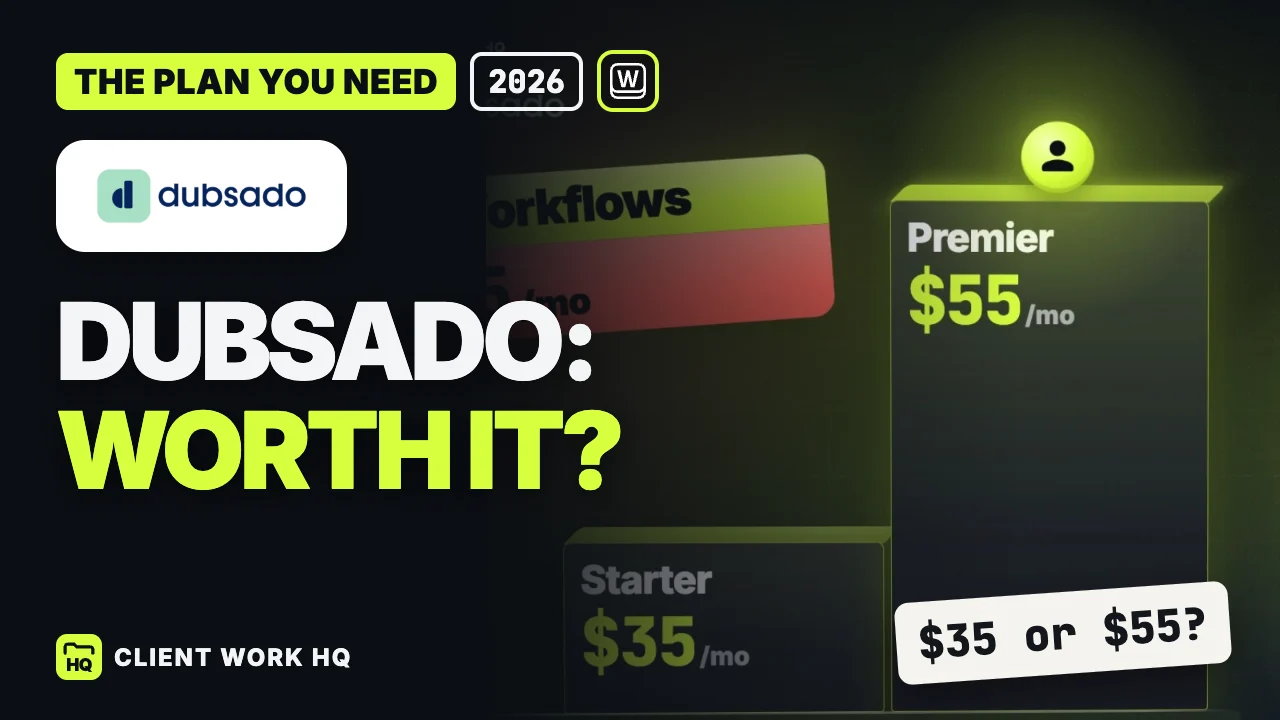
Dubsado puts scheduling and automated workflows on Premier. Its custom intake approach is worth considering when weddings, portraits and commercial jobs need substantially different questions and follow-ups. Budget for the required tier from the beginning. Dubsado plans
Our Dubsado review examines how to test that configuration work, including an unpaid invoice and a rescheduled appointment. Those exceptions reveal more than a perfect demonstration booking.
Choose the Workspace369 plan around the job
Workspace369 Cadet is $29 monthly with one seat. Voyager is $74 with two seats, while Specialist is $149 with ten. Proposals, projects, invoices and a client portal are available across the plans; Requests, texting and time tracking start on Voyager. Specialist is the plan to evaluate for public booking pages and deposits on proposal acceptance. Workspace369 plans
For a photographer who bills additional retouching by the hour, Voyager is a more relevant comparison than the entry price. For a studio that wants clients to select a service and book an available time themselves, evaluate Specialist. Decide which job the software must perform before comparing headline prices.
Email workflow capacity also matters: Cadet supports three active workflows, Voyager ten and Specialist twenty-five. List the distinct processes you intend to activate, such as an invoice reminder or a client follow-up, before choosing capacity. A large library of unused templates does not establish a need for a larger plan. Workspace369 plan comparison
Test a booking that changes after approval
Use a realistic sample project with invented client details. Keep a simple record of the following six outcomes:
Scope: write the coverage, deliverable count, revision allowance and client responsibilities in the proposal.
Change: add a second location or more edited images. Record the new agreement before assigning the extra work.
Ownership: assign preparation, production and approval tasks to specific people, with clear due dates.
Communication: check that the person answering a message can find the agreed scope and latest client decision.
Delivery: open the client-facing project view and locate progress, shared files and the next action.
Billing: where the chosen plan supports it, move agreed billable time into an invoice and verify the amount against the scope.
For a videographer, replace extra images with another interview or an additional edit round. For a commercial photographer, include a usage request in the revised brief. The test is whether the agreement stays understandable as the work changes.
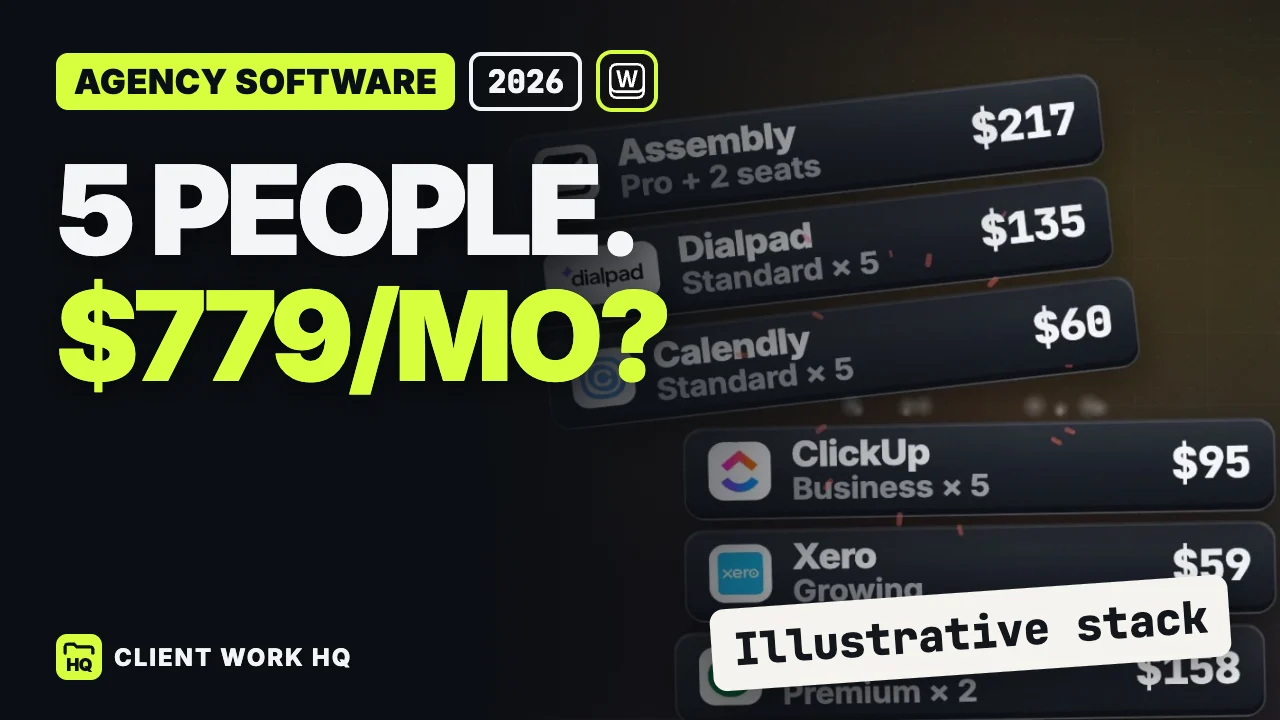
Keep image editing, video editing and detailed creative review in the production tools suited to those jobs. Evaluate the CRM on the client relationship, approvals and commercial record. If your studio already has several overlapping subscriptions, use the agency software cost worksheet to compare the whole stack.
Frequently asked questions
Which CRM is best for a solo photographer?
Start with the work you sell. Workspace369 Cadet fits a one-person comparison centered on proposals, projects and invoices; Voyager becomes relevant for tracked time and Requests. Studio Ninja Starter is another focused option if its five-active-job allowance suits your workload. Compare the required plans using the vendor tables above.
Should photographers and videographers use different CRMs?
The commercial process often overlaps: inquiry, scope, approval, production and billing. The useful test changes with the deliverable. A photographer might test additional retouching; a videographer might test another interview or revision round. Choose the system that keeps those decisions clear while your specialist production tools handle the media.
How should a studio switch without confusing active clients?
Choose one new booking for the trial. Keep a record of existing documents, open invoices and client commitments before changing systems. Verify imported contact details and inspect the client-facing experience yourself. Expand only after someone else in the studio can follow the project without relying on your memory.
FOLLOW ONE CLIENTA simple test of the handoff.
An evaluation model, not a product screenshot or a claim that every tool handles these steps identically.
01
Inquiry
Can you identify the client and their next action?
02
Scope
Can both sides find the agreed deliverables?
03
Delivery
Does each task have an owner and due date?
04
Approval
Can you see what the client has accepted?
05
Invoice
Does the amount match the agreed work?
TAKE IT INTO YOUR TRIAL
Make the demo prove something.
Use one sample project with invented client details. Add a reschedule or an extra revision after the proposal is accepted.
Review Dubsado's forms, workflows, scheduling and client portal, compare Starter with Premier, and use a practical checklist to judge the setup effort.
See how a five-person agency software stack reaches $779 a month, what a $208 alternative includes, and how to audit seats and overlap before switching.