Best CRM for Freelancers in 2026: Choose by Workflow
Compare freelance CRMs by budget, hourly billing, client booking and communication. Find the right plan and use a practical checklist before switching tools.
Workspace369 is our first pick for freelancers who want client conversations, project delivery and billing connected. Moxie, Bonsai, HoneyBook and HubSpot are worth shortlisting when a tighter budget or a specific workflow drives the decision.
Best fit is our editorial judgment. Prices below are regular USD monthly billing, unless stated otherwise; annual commitments and temporary offers are different.
Workspace369
Our #1 pick
Connected client work
Relevant plan
Cadet / Voyager / Specialist
Subscription
$29 / $74 / $149 per month
Access
1 / 2 / 10 seats
Time tracking and Requests start on Voyager; public booking pages start on Specialist. Extra seats are $10 monthly from Voyager.
— Added sourced quick-comparison cards, a workflow diagram and a printable trial worksheet. Each comparison card records its own source-check date.
The companion video reflects its original recording. This article carries the updates listed here.
The best CRM for a freelancer is the one that keeps the next client action visible and supports the way you get paid. Workspace369 is our first pick for connecting client conversations, project work and billing. Moxie is a strong budget option, Bonsai deserves a look for hourly work, HoneyBook suits a creative booking process, and HubSpot offers a free starting point for managing contacts and opportunities.
You do not need a complicated system simply because you freelance. If a small client list and a calendar keep everything on track, keep using them. Consider a change when inquiries disappear into email, invoicing depends on memory or information has to be copied between tools repeatedly.
Compare the plan you would actually use
The following US dollar prices are billed monthly and were checked for this September 2026 guide. These are editorial recommendations based on the documented features and plan structure, not measured productivity results.
Our pick
Best reason to shortlist it
Relevant monthly plan
Watch before buying
Workspace369
Connected client work
Cadet $29; Voyager $74
Texting and time tracking start on Voyager
Moxie
A small solo budget
Starter $12; Pro $25
Pro adds workflow automations and the client portal
Bonsai
Recording hourly work
Basic $15/user; Essentials $25/user
Invoicing starts on Essentials
HoneyBook
Creative booking documents
Starter $36; Essentials $59
Workflow automations start on Essentials
HubSpot
Free contact and deal tracking
Free, up to two users
Evaluate paid requirements separately as the process grows
Workspace369 is the option we would start with when the problem extends beyond maintaining an address book. Its feature overview covers client records, communication, proposals, invoices and delivery tools. The practical appeal is keeping the commercial agreement connected to the work that follows.
Imagine a freelance designer handling a new brief, a proposal, several revisions and an invoice. During a trial, check whether you can find the agreed scope and latest conversation while working on that job. That is a more meaningful test than counting dashboard widgets.
Choose the tier deliberately. Cadet includes one seat and email automations. Voyager includes two seats and adds Requests, texting and time tracking. Specialist is the tier to evaluate for calling and self-booking, at $149/month with ten seats. These distinctions are reflected in the plan details; a complete hourly workflow belongs in the Voyager comparison.
2. Moxie: a strong choice for a tight solo budget
Moxie’s Starter plan combines client administration with proposals, invoices, scheduling and time tracking. Pro adds a client portal and workflow automation. Those are useful inclusions for someone who needs the basics to run a small freelance practice without a large initial subscription. See Moxie’s current plans.
Your evaluation should focus on how you deliver work. Recreate one typical project, attach the information you refer to most often and prepare its invoice. If you collaborate, distinguish a person who needs access to one project from someone who needs to operate the whole account. Those are different requirements.
3. Bonsai: shortlist it for hourly work
Bonsai is worth considering when time entries drive your billing. Its Basic tier includes time tracking, tasks and CRM functions; Essentials adds invoicing, proposals and the client portal. Pricing is per user, so the Bonsai plan comparison needs to be multiplied by the number of people requiring access.
The important distinction is recording time versus completing the billing process. Test how an entry becomes a charge, how you correct it and what the client receives. A low entry price is useful only if it covers the part of the workflow you are trying to replace.
4. HoneyBook: shortlist it for a polished booking process
HoneyBook’s template gallery offers practical starting points for presenting creative services. That makes it relevant to photographers, designers and other freelancers selling packages with a repeatable onboarding process.
Evaluate it from the client’s side. Is the package clear? Are the questions relevant? Can someone see what happens next? If your main requirement is a repeatable automated sequence after booking, price Essentials rather than assuming the entry tier includes everything. Our HoneyBook review examines that decision in more detail.
5. HubSpot: start here when contact tracking is enough
HubSpot Free CRM provides contact and deal tracking for up to two users and 1,000 contacts. It can suit a freelancer whose main concern is following up on opportunities while keeping an existing delivery and billing process.
Write down what you expect the CRM to replace. If the answer is only a spreadsheet of prospects, a free option deserves serious consideration. If it also includes running projects, recording time and managing client communication, evaluate the full arrangement. Our HubSpot alternatives guide approaches that broader decision.
Build a small decision worksheet
Use your last completed job as the test case. Write one sentence for each stage: inquiry, agreement, delivery, billing and follow-up. Mark the stage that caused the most friction. Choose two products that address it and run the same example through both.
Use this practical checklist:
Record the required plan and the number of people needing access.
Recreate a real service description and its billing method.
Find the next action without opening your old spreadsheet.
Change the scope or project date and inspect the result.
Review the client experience on a phone.
List the software you would retain and the records you must export.
Avoid judging a CRM on the most complicated future business you can imagine. Choose for the work you have and a plausible next step. For a consulting practice, the consultant CRM guide adds questions about discovery, retained work and delivery ownership.
Frequently asked questions
Does every freelancer need a CRM?
No. A freelancer with a small, predictable client list may manage well with a calendar and consistent records. A CRM becomes more useful when missed follow-ups, unclear project status or repeated copying create problems. Start by naming the failure you want to prevent, then decide whether software would help.
What is the cheapest CRM on this shortlist?
HubSpot has a free option. Among the paid entry plans shown here, Moxie Starter has the lowest monthly price. That does not make either the cheapest complete setup for everyone. Compare the plan that includes your required workflow and include any tools you expect to keep alongside it.
Should hourly freelancers buy the cheapest time tracker?
Only if time recording is the whole problem. Check how entries reach an invoice, how corrections are handled and whether the project context stays accessible. If you are already happy with billing, a narrower tool may work. If the handoff causes mistakes, test the complete time-to-invoice process instead.
FOLLOW THE EVIDENCE
What payment delays mean for cash flow.
Read the UK source reports and change the inputs in our illustrative model. Payment statistics do not establish a CRM's effectiveness.
Compare six HoneyBook alternatives by solo budget, workflows, hourly billing and team size, then use a practical checklist to choose and switch with confidence.
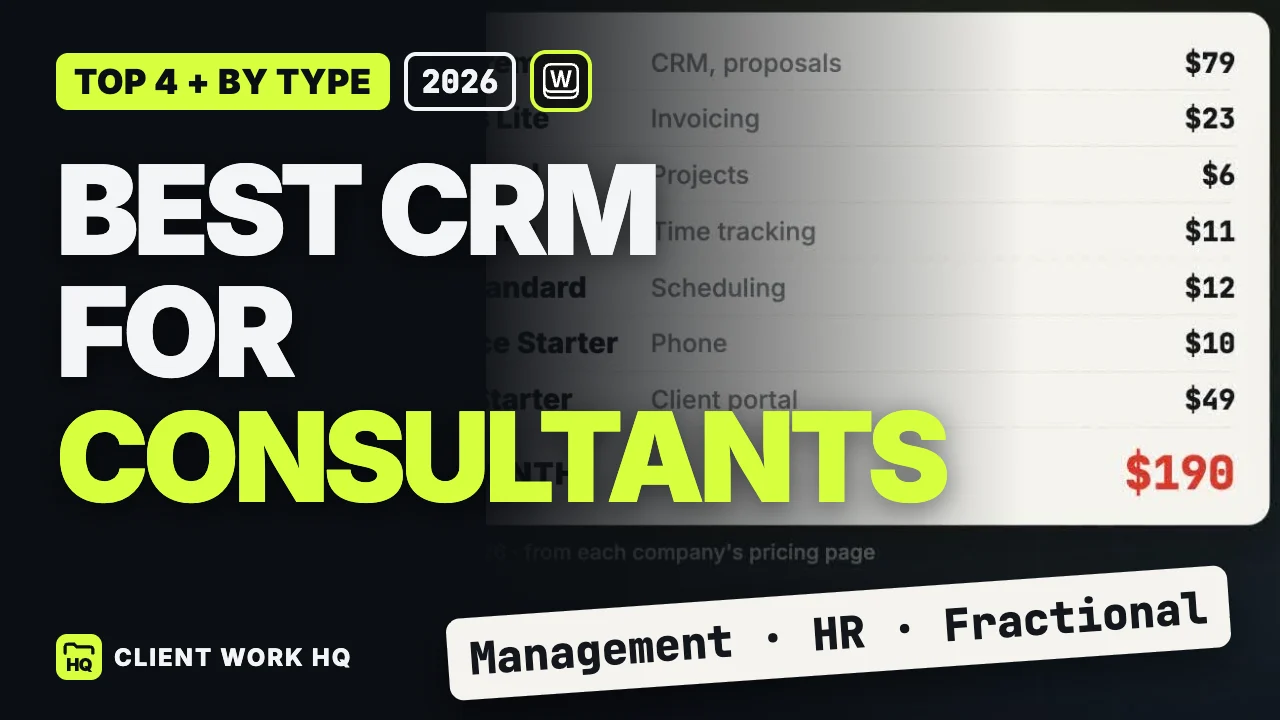
Compare CRMs for solo consultants and small firms using proposals, engagement delivery, hours and billing, with a practical one-week evaluation checklist.
Compare HubSpot alternatives for agencies and consultants, from free contact management to connected client delivery, with a practical migration checklist.