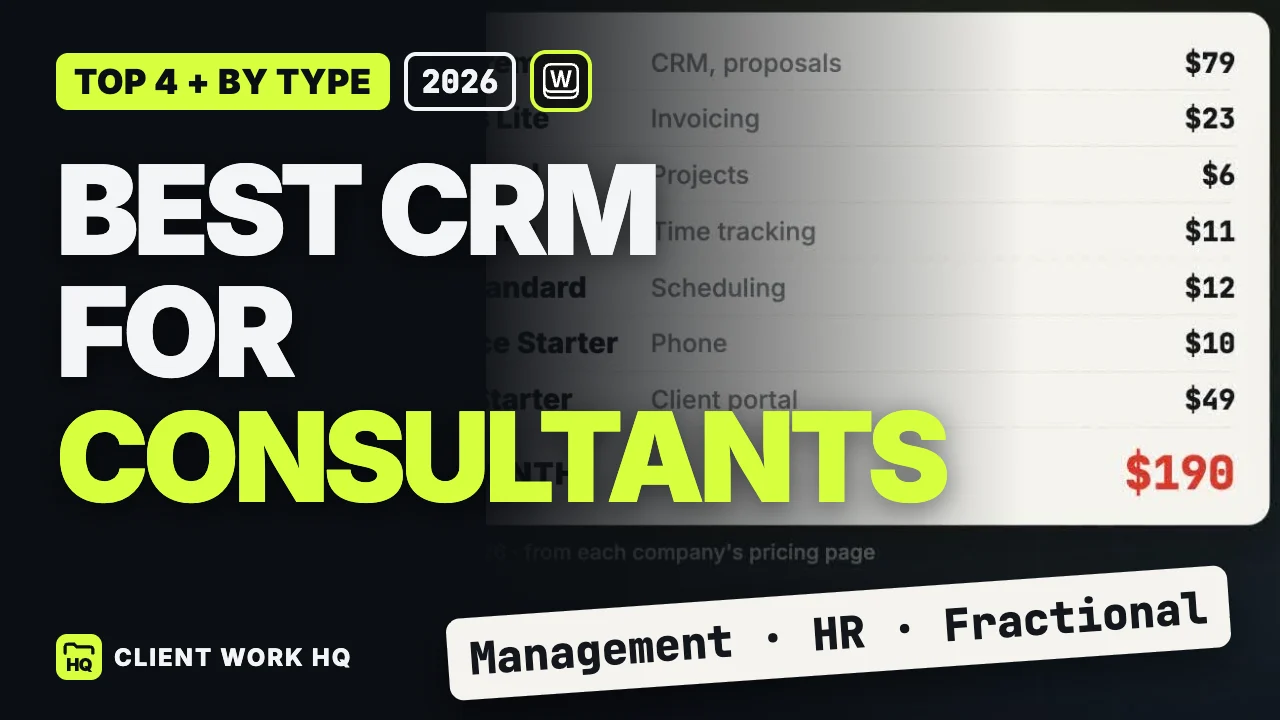
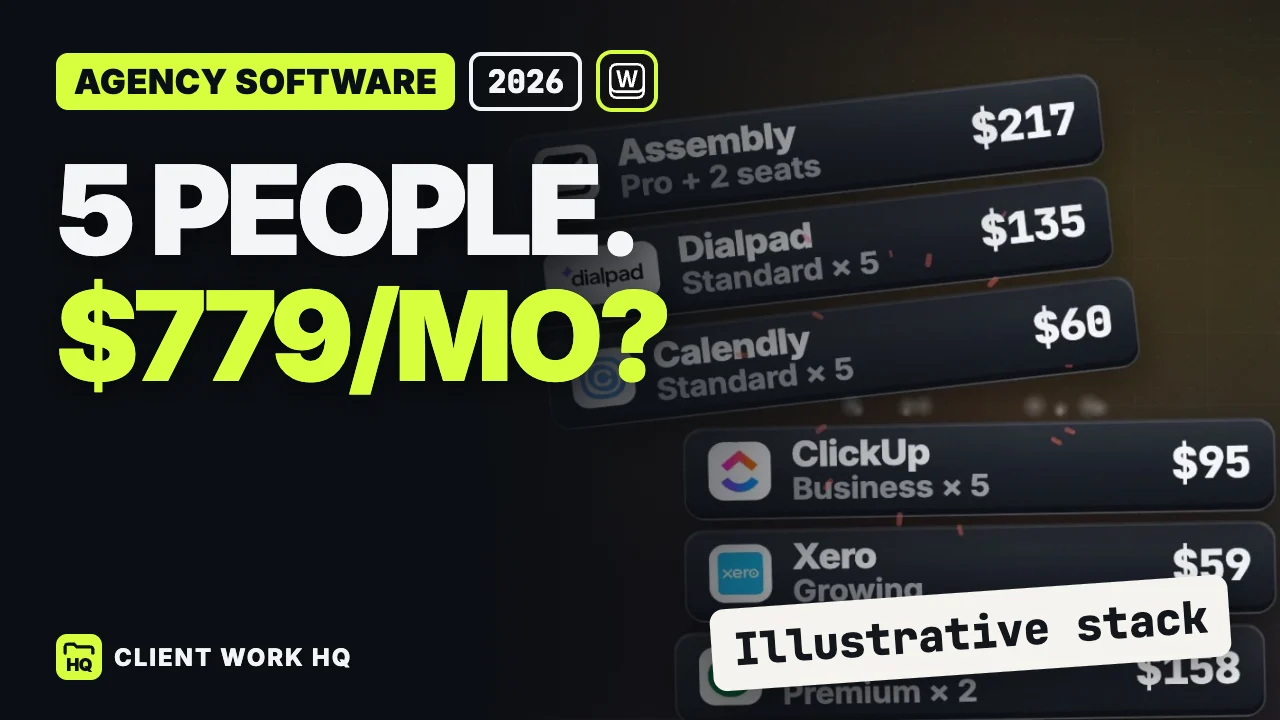
The best CRM for consultants should carry the context of a client relationship from the first conversation through delivery and billing. Workspace369 is our first choice for that connected workflow. HubSpot is a useful free starting point for a small pipeline, Pipedrive suits consultants with a substantial business-development role, and Bonsai is worth considering for solo hourly work.
The deciding question is what happens when the client says yes. A management assessment may expand to another division. A marketing strategy may lead to implementation. A fractional executive may juggle several sponsors and priorities. Your evaluation should follow those transitions, including the decisions and responsibilities behind them.
Which CRM fits your consulting practice?
| Practice and priority |
Start with |
Decision to test |
| Solo practice or small firm connecting sales and delivery |
Workspace369 |
Can an engagement’s scope, work and invoice be followed together? |
| A small practice organizing its first prospect pipeline |
HubSpot Free |
Do the user and contact limits fit the current operation? |
| A consultant spending substantial time on business development |
Pipedrive |
Does every opportunity have a useful next action and owner? |
| A solo consultant managing hourly work and client administration |
Bonsai |
Does the selected plan cover both hours and invoicing? |
These are starting points based on product capabilities and the workflow required. They are not claims about results from a controlled product test.
Workspace369 for the full engagement
Workspace369 organizes client records, proposals, engagement projects, files, invoices and the client portal in one workspace. That combination is useful when the consultant doing the work also needs to manage the commercial relationship. Workspace369 consulting workflow
Use separate engagements when responsibilities change. A diagnostic project might deliver findings and recommendations; implementation can have its own scope, owner and budget. Keep both connected to the client so the next conversation begins with a clear history.
Cadet starts at $29 monthly for one seat. Time tracking and Requests begin on Voyager at $74 for two seats. A third seat adds $10, making a three-person firm $84 monthly. Public booking pages require Specialist, which is $149 with ten seats. Workspace369 plans
An hourly consultant should therefore evaluate Voyager rather than assuming the entry plan covers their complete workflow. A firm needing self-booking should evaluate Specialist. The useful comparison is the plan that supports your work, not the lowest number on a pricing page.
HubSpot for an organized starting pipeline
HubSpot Free supports up to two users and 1,000 contacts, with contact, deal and task management. That is a reasonable candidate for a consultant whose immediate problem is keeping track of prospects and follow-up. HubSpot free CRM
Try a referral waiting for an introduction, a discovery call needing follow-up and a proposal awaiting a decision. If those are the only gaps in an otherwise reliable operation, the starting requirement may be modest. Before expanding the subscription, identify the exact new capability needed and evaluate the relevant product and edition.
Pipedrive for the consultant who sells
Pipedrive’s Growth plan includes automated email follow-ups and meeting scheduling. Those capabilities merit attention for consultants balancing a long sales cycle with current client commitments. Pipedrive plan comparison
Give your evaluation a weekly sales-review question: which opportunities need action before Friday? A useful pipeline should help separate an interested contact from a qualified project, and a proposal sent from a decision actually expected. Ask how the work moves into delivery, including any additional products or setup your preferred approach needs.
The strength of a sales-focused system matters most when improving that sales process is the reason for buying.
Bonsai for solo hourly administration
Bonsai Basic includes time tracking and CRM. Essentials adds proposals, invoicing and a client portal at $25 per user per month when paid monthly. An hourly consultant wanting to track work and send invoices should compare that complete requirement with Essentials, rather than pricing only the Basic tier. Bonsai plans
In a demo, enter time for a discovery workshop, research and a client presentation. Identify which entries are billable, then prepare the invoice. Also test a fixed-price engagement: even when the client pays a set amount, recording effort can help you evaluate how the work developed.
For a broader solo-business comparison, see our freelancer CRM guide.
A fixed-price example: measure effort without confusing it with profit
Suppose an engagement is priced at $9,000 and you plan 60 hours. That is an illustrative effective billing rate of $150 per hour. If delivery consumes 90 hours, the same revenue works out to $100 per hour.
Neither figure is profit: these calculations exclude business costs. The purpose is to expose a scope or estimation question. Did the engagement require more analysis, more stakeholders or more revisions than expected? A useful review needs recorded work and decisions, not just the final invoice total.
For management and business consultants, record which teams and deliverables the assignment covers. For marketing consultants, separate strategy from execution when the agreement distinguishes them. For HR consultants, keep sensitive employee case material in the appropriate approved systems while tracking commercial responsibilities in the CRM.
Fractional executives should establish a sponsor, priorities and decision owners for each client. Confirm access boundaries before inviting collaborators, especially when the same consultant serves several organizations.
Run a one-week evaluation
Use this as a trial plan, not a promise about implementation time:
- Define: select one representative engagement and list the records it requires.
- Configure: enter its contacts, scope, milestones and responsible people.
- Work: record a realistic client decision and, where relevant, time entries.
- Bill: prepare an invoice and check that the underlying work is understandable.
- Review: have another person find the next action and explain the engagement status.
Note which steps required duplicate entry or outside clarification. If you expect to consolidate subscriptions, use the software cost guide to separate tools you can retire from those you still need.
Frequently asked questions
Does a solo consultant need a CRM?
A CRM becomes useful when remembering conversations and next actions is no longer reliable. Start with the smallest repeatable process: contact, opportunity, follow-up and current engagement. Add project or billing requirements when they solve a real administrative gap. The right system is one you can keep accurate while doing client work.
Should consultants track time on fixed-price work?
Time records can show how actual effort compares with the original estimate, even when they do not determine the invoice. Pair the hours with scope decisions and deliverables so the review has context. Use the information to improve future estimates, rather than treating every extra hour as automatically billable.
What should a fractional consultant test before choosing a CRM?
Test several clients with different sponsors, priorities and access needs. Confirm who can see each engagement, where decisions are recorded and how advisory work is distinguished from execution. Then check the billing cycle for each relationship. A useful setup should remain understandable when a colleague takes over a task.